UI Tool
The Legislative Analysis system includes a powerful, user-friendly interface for browsing, searching, and analyzing Sri Lankan Acts.
1. Dashboard Overview
The dashboard serves as the central hub for accessing legislative data.
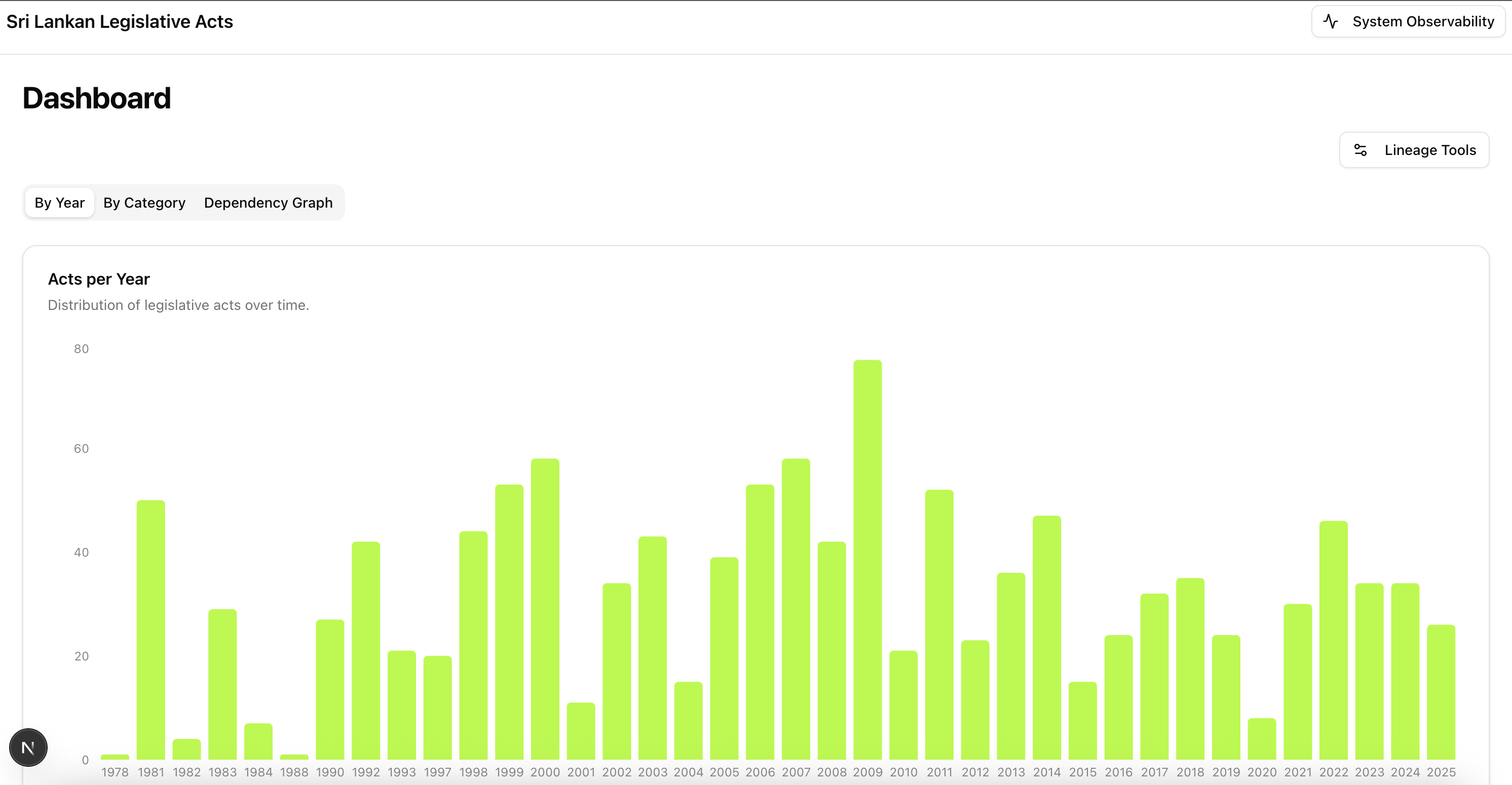
Key features:
- Search Bar: Quickly find acts by title, number, or keyword.
- Domain Filtering: Filter acts by legal domain (e.g., Finance, Agriculture).
- Act Cards: Display key metadata at a glance.
2. Analysis View
Clicking on an act opens its detailed analysis view.
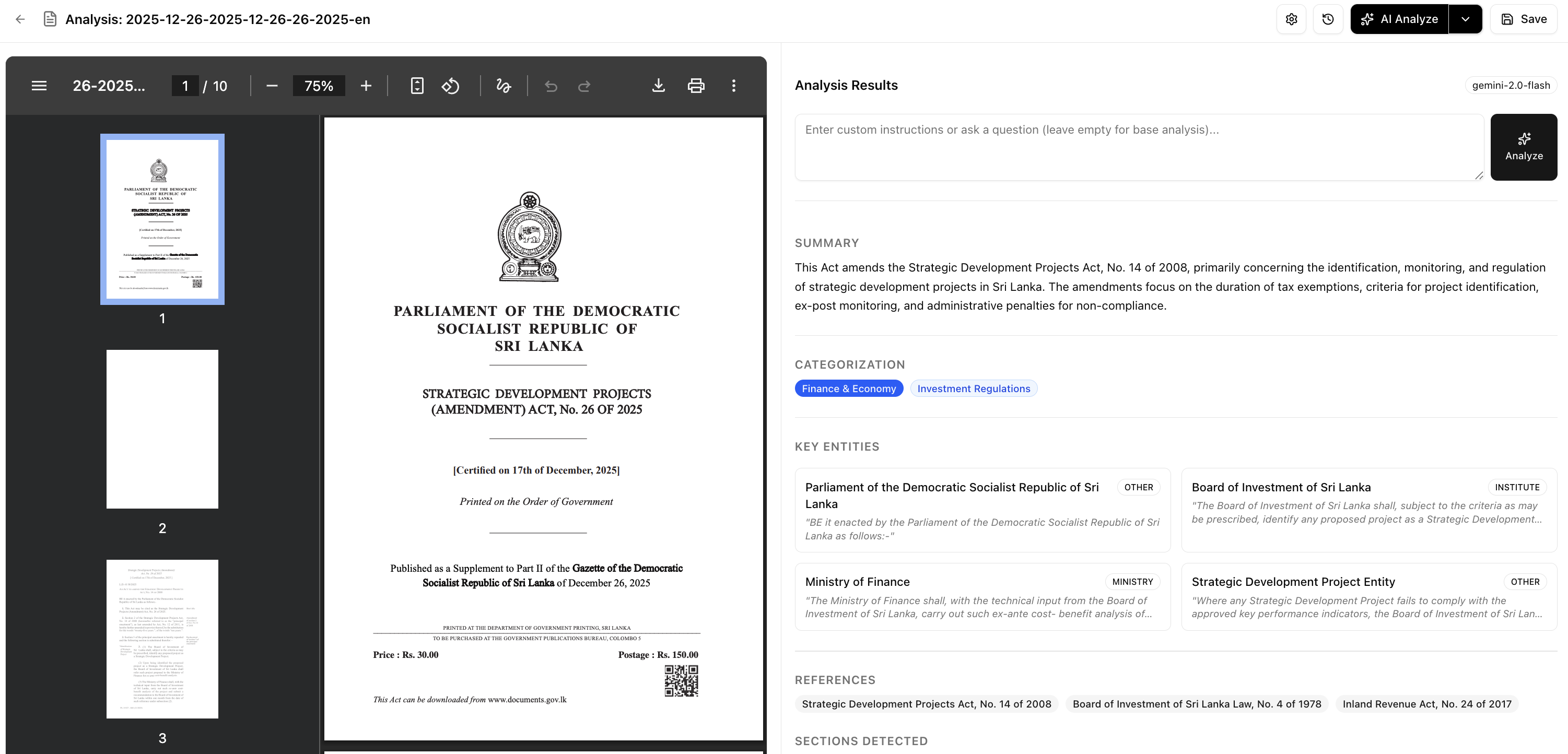
This view provides:
- Summary: A concise generated summary of the act.
- Key Entities: Extracted entities relevant to the legislation.
- Metadata: Detailed enactment dates and reference numbers.
3. Acts Lineage Editor
For acts with complex histories, the Lineage Editor visualizes amendments and their chronological relationships.
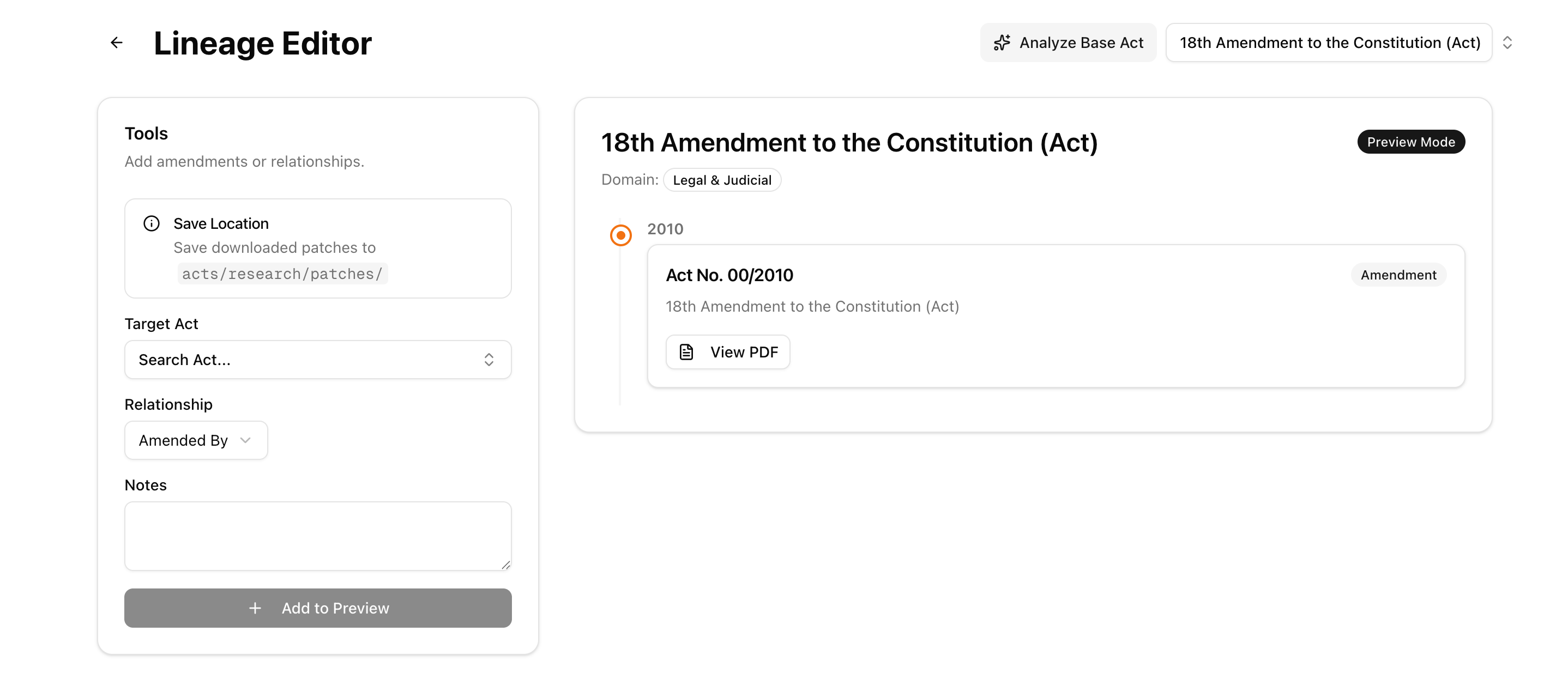
- Timeline: Visual timeline of Principal Acts and Amendments.
- Editing: Interactive tools to map relationships.
4. Dependency Analysis
Understand how acts reference each other using the Dependency Tree.
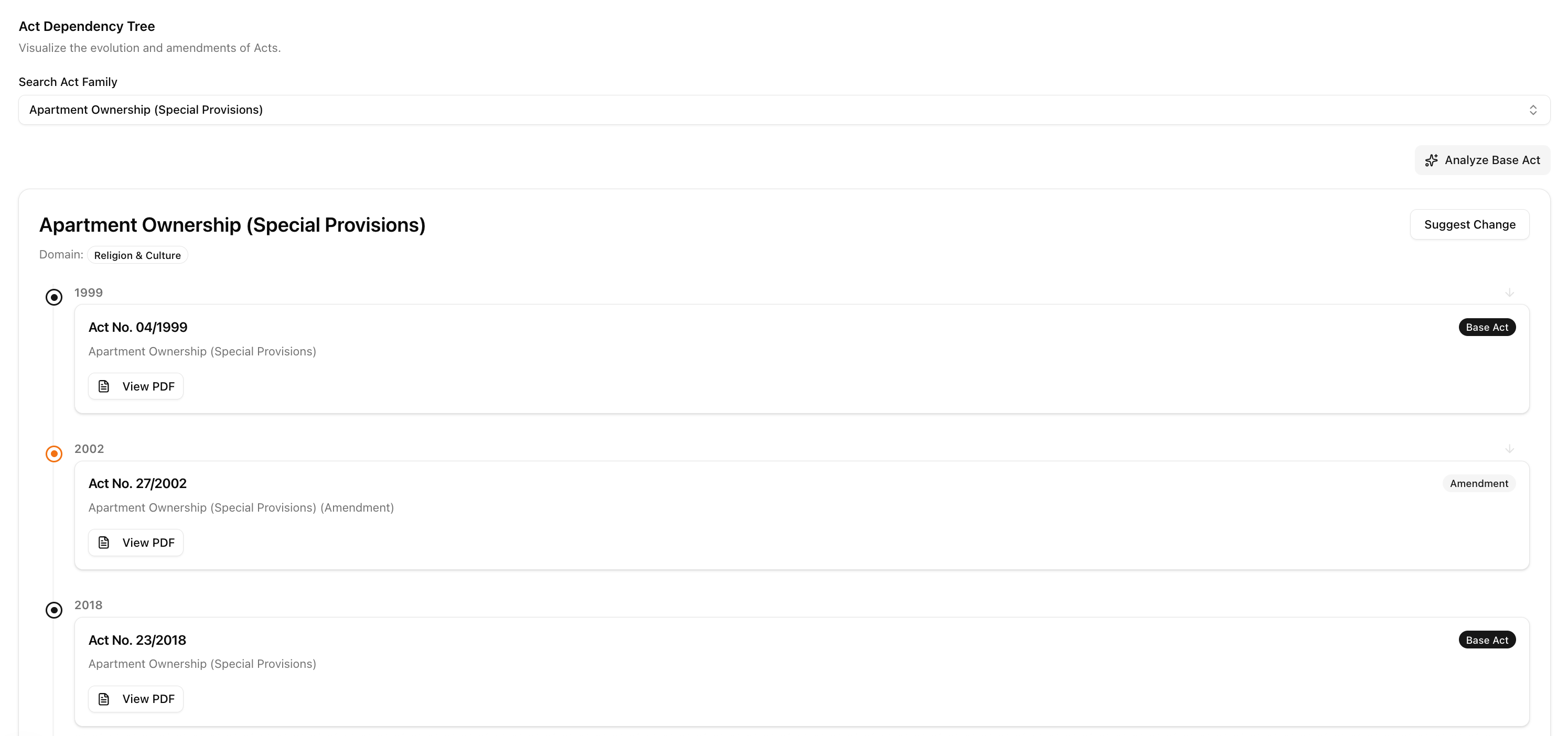
- Graph View: Node-link diagram showing citations between acts.
5. Analysis History
Track the extraction and analysis process over time.
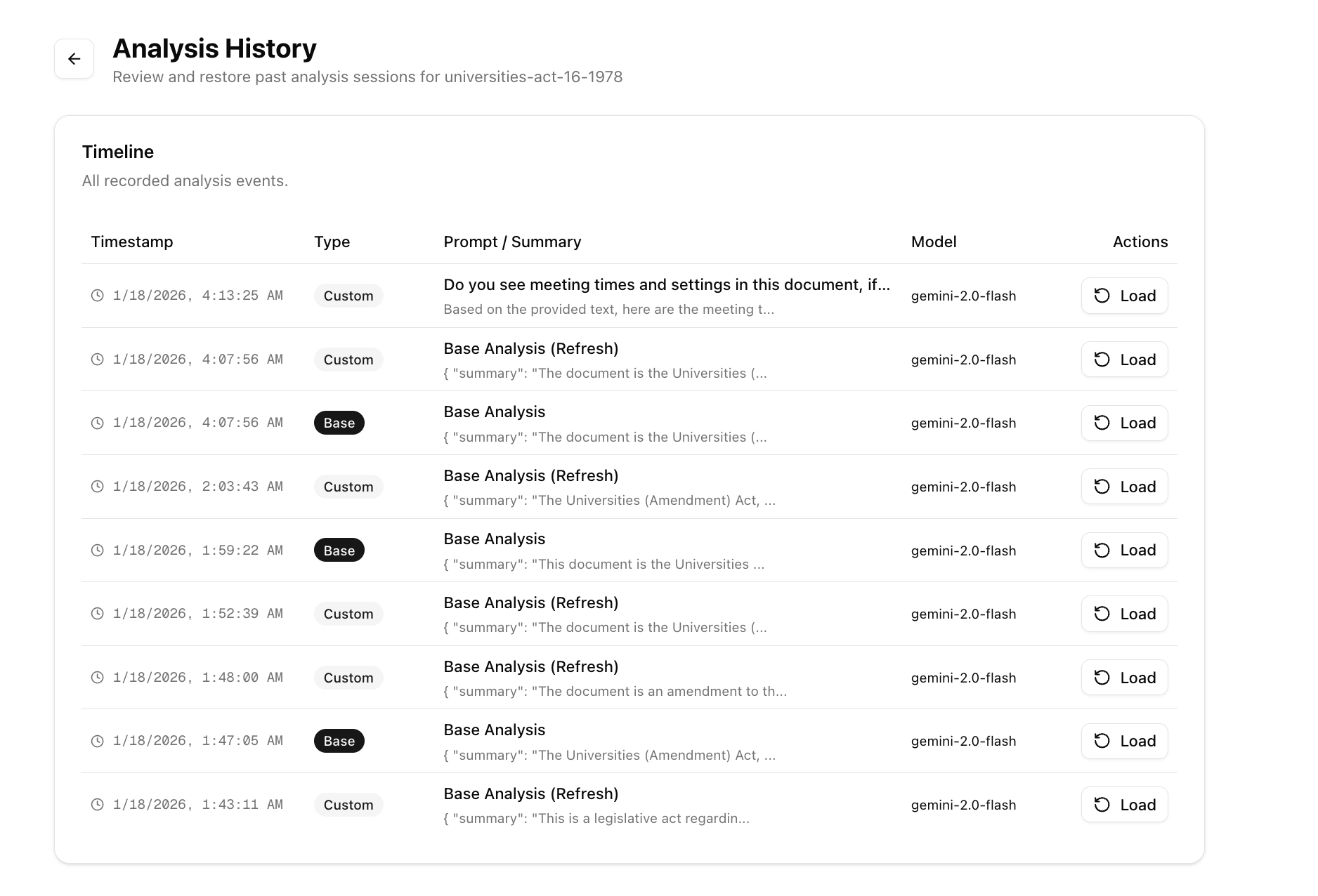
- Logs: View detailed logs of the analysis pipeline.
- Reload: Re-trigger analysis for specific documents.
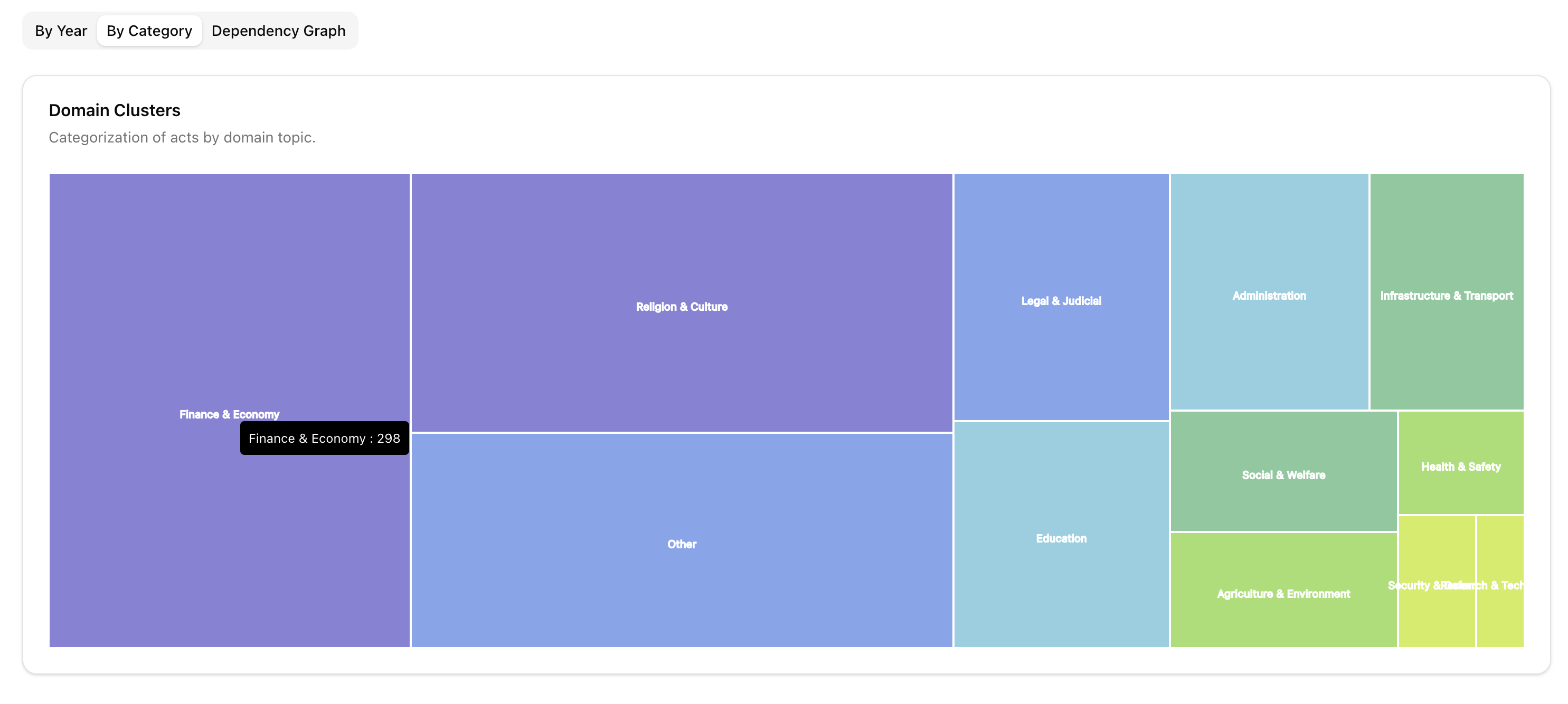
6. Categorization
Acts are automatically categorized to help researchers navigate specific domains.
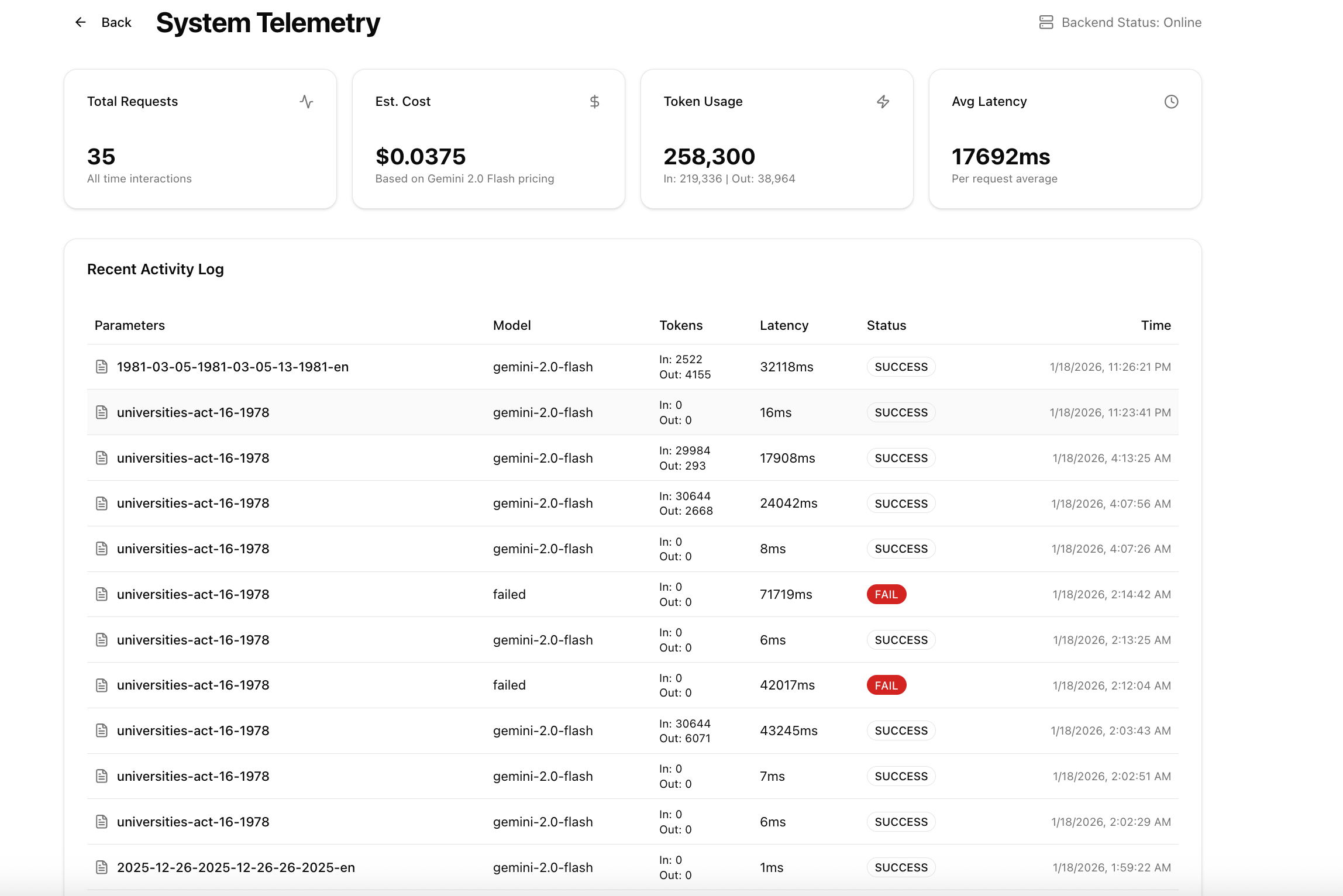
7. System Observability
The tool also includes features for monitoring the system's performance and data ingestion status.